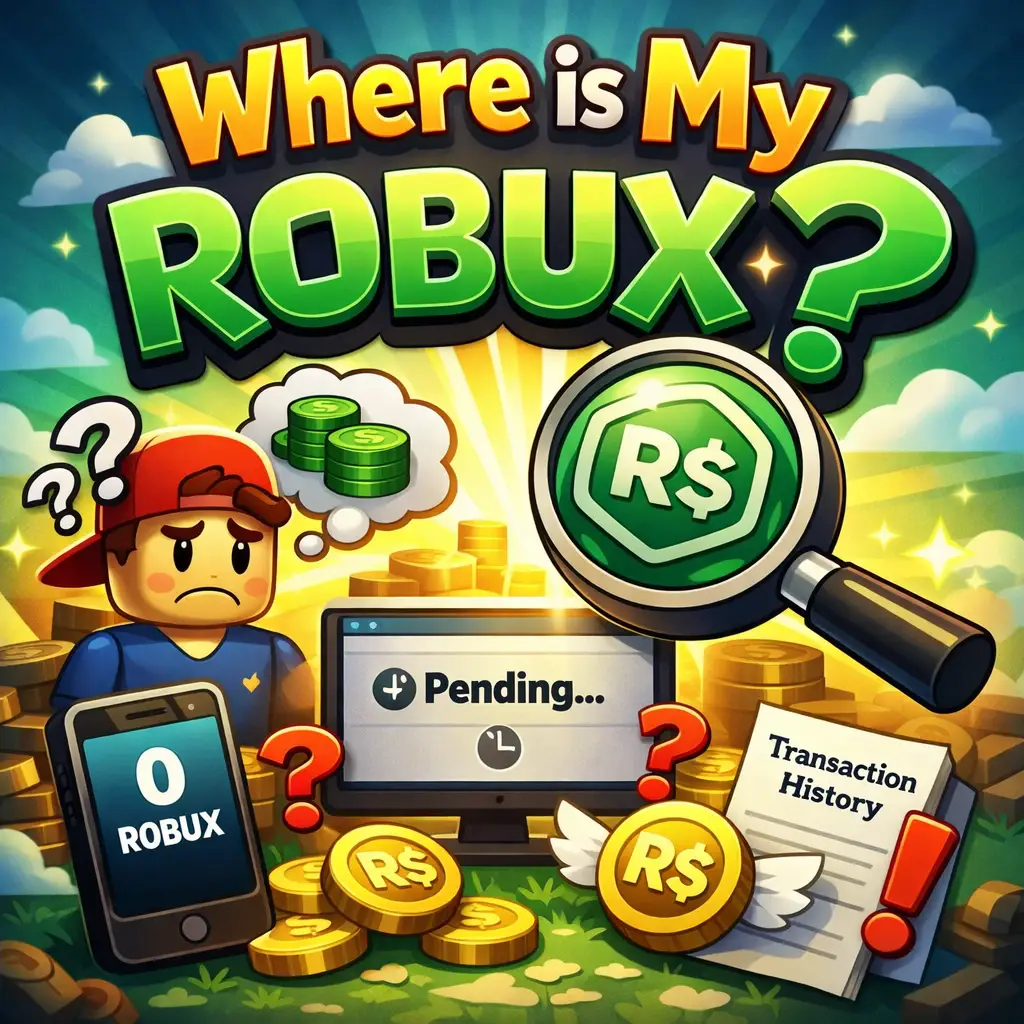
If you’ve ever opened your account and wondered, “Where is my Robux?”, you’re definitely not alone. Robux is the virtual currency used on Roblox, and it powers everything—from buying avatar items to unlocking premium game features. Think of it like digital cash inside the Roblox universe. You earn or purchase Robux, and then you spend it however you like.
But here’s the catch: Robux doesn’t always show up instantly. Sometimes it behaves more like a bank transaction than instant money. You might expect it to appear immediately after a purchase or sale, but behind the scenes, systems are working to verify, process, and secure your transaction. This is where confusion begins.
The truth is, Robux visibility depends on how you got it. If you bought it directly, it’s usually fast. If you earned it from selling items or game passes, it often goes through a waiting phase. This delay can make it seem like your Robux has vanished, but in most cases, it’s simply in transit.
Not all Robux behaves the same way, and understanding this difference can save you a lot of stress. There are two main types: purchased Robux and earned Robux.
Purchased Robux is what you get when you buy directly using real money. This type is typically added to your account quickly, though minor delays can still happen due to payment verification. On the other hand, earned Robux comes from selling items, game passes, or experiences. This type almost always enters a temporary holding state.
Why does this matter? Because when you’re asking “where is my Robux,” the answer depends heavily on which category it falls into. If it’s earned Robux, it’s probably sitting in a pending state. If it’s purchased Robux, the issue might be related to payment processing or account errors.
Understanding this distinction is like knowing whether your money is in your wallet or still being transferred to your bank account. It gives you clarity and helps you troubleshoot faster.
The most common reason your Robux isn’t showing up is something called pending Robux. This is essentially a temporary holding stage where your Robux is locked until it’s fully verified and approved.
According to recent data, Roblox uses a system called escrow to hold earned Robux before releasing it into your spendable balance. This is done to prevent fraud, chargebacks, and suspicious transactions. So if you sold a shirt, game pass, or item, your Robux won’t be available immediately.
Imagine depositing a cheque in a bank. The money is technically yours, but you can’t use it until it clears. Pending Robux works exactly the same way.
The escrow system is like a security checkpoint. When a transaction happens—especially between players—Roblox holds the Robux for a certain period to make sure everything is legitimate.
This protects both buyers and sellers. If a payment fails or gets refunded, Roblox can reverse the transaction before the Robux reaches your account. While this is great for security, it can be frustrating when you’re waiting to spend your earnings.
Typically, small transactions clear faster, while larger ones take longer. This explains why some users get their Robux in a few days while others wait weeks.
Sometimes, the issue isn’t pending Robux—it’s your payment. If you bought Robux using a credit card, PayPal, or mobile payment, the transaction might take time to process.
Payment systems often need to verify details, especially if it’s your first purchase or a large amount. In some cases, banks may even temporarily hold the transaction for security checks. This delay can make it look like your Robux hasn’t arrived, even though it’s still being processed.
There are also cases where account-related problems cause delays. For example, logging into the wrong account can make it seem like your Robux disappeared. Or maybe the transaction failed silently, meaning the payment didn’t go through even though it looked like it did.
Technical glitches can also play a role. While rare, some users have reported situations where Robux finished pending but didn’t immediately appear in their balance. These cases usually resolve themselves, but they can definitely cause panic.
Checking your Robux balance on mobile is simple, but many users overlook it. Open the Roblox app, log in, and tap the Robux icon at the top. Your balance will be displayed instantly.
If your Robux isn’t there, don’t panic yet. This only shows your available balance—not pending Robux. You’ll need to dig deeper to see the full picture.
On a computer, your Robux balance appears in the top-right corner of the screen once you log in. This is your spendable balance, not including anything pending.
If the number looks lower than expected, it’s a sign that some of your Robux might still be processing.
The real magic happens in your transaction history. This is where you can see everything—purchases, earnings, and pending amounts.
Go to the Robux icon, click your balance, and open the “My Transactions” page. Here, you’ll find a summary of incoming and outgoing Robux, including a section for pending sales.
This page answers the question “where is my Robux” more clearly than anywhere else. It shows whether your Robux is delayed, pending, or already spent.
If you buy Robux directly, it’s usually added almost instantly. In most cases, the delay is only a few minutes. However, payment verification can sometimes extend this to several hours.
For earned Robux, the waiting period is longer. Recent data shows that:
| Type of Transaction | Typical Time |
|---|---|
| Small sales | 3–7 days |
| Large sales | Up to 30 days |
This means patience is key. If you just sold something, your Robux is likely on its way—it’s just not ready yet.
Several factors influence how long you wait. Large transactions take longer because they’re riskier. New accounts may also experience delays due to extra verification.
Even your location and payment method can affect timing. International transactions, for example, may take longer to process due to additional checks.
If your Robux still hasn’t appeared, here’s what you should do:
Most issues are resolved by simply waiting or checking the right section of your account.
If your Robux hasn’t arrived after the expected timeframe—especially after 30 days—it’s time to contact support. Provide transaction details, receipts, and screenshots to speed up the process.
This usually happens due to payment delays or verification issues. It’s rarely permanent, but it can take time to resolve.
Sometimes, pending Robux takes longer than expected. While most clear within a week, some transactions can stretch up to a month depending on size and risk level.
In rare cases, users report Robux disappearing after pending. This can happen due to refunds, chargebacks, or system errors. While uncommon, it’s important to monitor your transaction history closely.
Always use trusted payment methods and avoid third-party websites promising free Robux. These are often scams and can lead to account issues.
Make it a habit to check your transaction history regularly. This helps you catch issues early and understand where your Robux is at any time.
So, where is your Robux? Most of the time, it’s not missing—it’s just pending, processing, or waiting for verification. Understanding how Roblox handles transactions makes everything clearer and far less stressful. Instead of worrying, you can track your Robux, know what stage it’s in, and take action if needed.
Patience, awareness, and a quick check of your transaction history can solve almost every Robux mystery.
It’s usually due to payment processing delays or verification checks. Wait a few hours and check your transaction history.
Most transactions take 3–7 days, but larger ones can take up to 30 days.
No, pending Robux cannot be spent until it is fully processed and added to your balance.
You can view it in the “My Transactions” section under your Robux balance.
Wait the full processing period, then contact Roblox support with your transaction details.